
One ecosystem for the whole home.
Solar, storage, EV charging, local control and cloud from one company, designed to work together. See how they share energy through the day — and which part to add next.
- Solar
- Storage
- Charge
- Heat
- Control
- Cloud

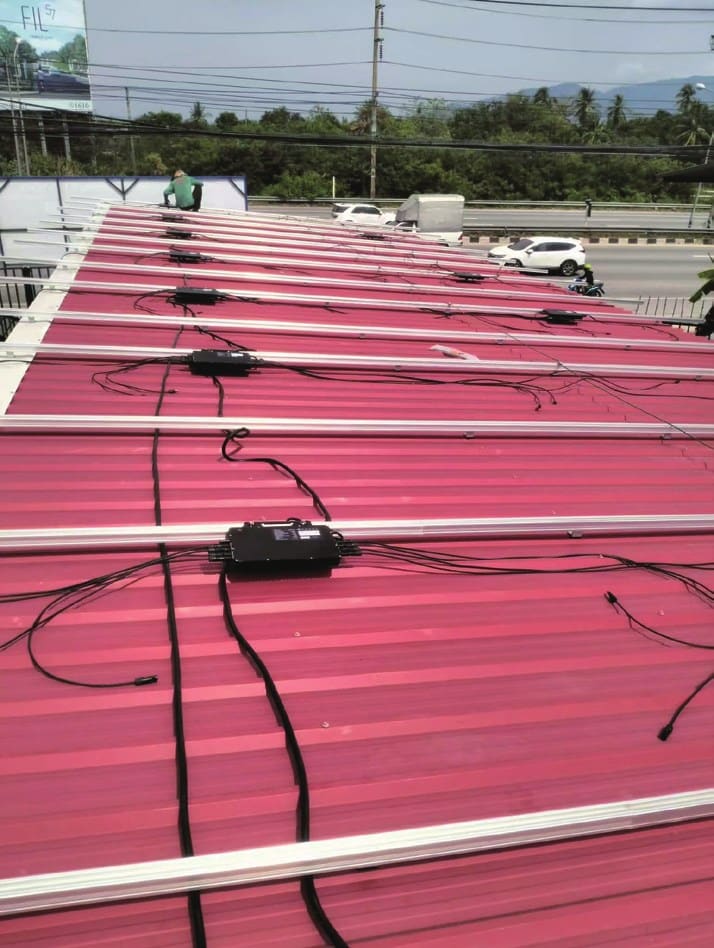
- Rooftop solarSolarCore microinverters
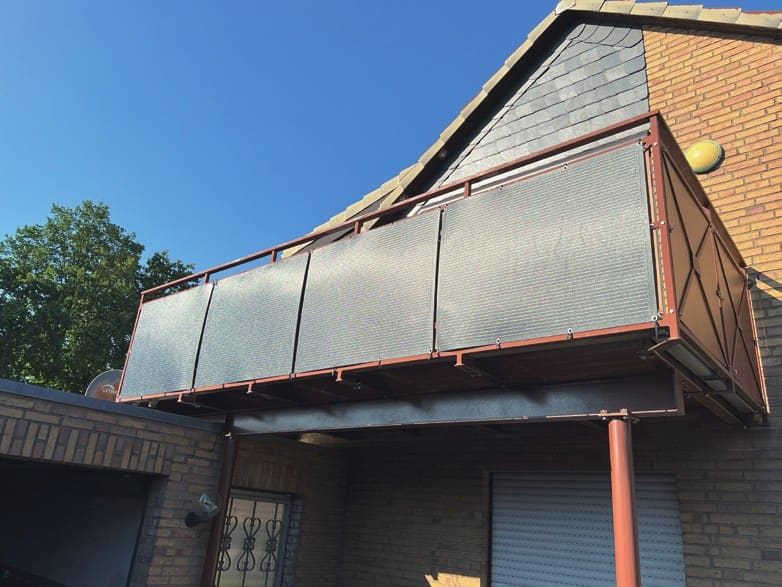
- Balcony solarSolarCore · SolarKit
- StoragePowerCube / SolarHub + VB5000D
- EV chargingChargeFlow
- Local EMSEnergyPilot
- GridImport & export
- AppVIP Cloud
Illustrative scene: product positions and flows are simplified.
How the parts connect.
Read it from left to right: generate, store, use. EnergyPilot decides on site; VIP Cloud shows it all. Hover over a part to see its connections.
1 · Generate
- Solar modules
On roofs, balconies, gardens or carports. Each PV input stays below 60 V DC.
- SolarCore · SolarKit
Microinverters convert each module to AC, with module-level MPPT.
2 · Store & convert
- PowerCube + VB5000D
All-in-one storage, 2.5–27.5 kWh, four PV inputs, backup in 10 ms or less.
- SolarHub + VB5000D
Alternative for outdoor wall mounting, with the same VB5000D packs.
3 · Use
- Household loads
Use solar first; the rest goes to the battery, the car or the grid.
- ChargeFlow
With EnergyPilot, follows the solar surplus and balances load on the main fuse.
- Grid
Covers the gap; export limits are respected.
Across the system
- EnergyPilot
The local brain: measures the grid point and decides where each watt goes — offline too.
- VIP Cloud
Live data every second, plant sharing, remote service and a local mode.
Switch parts on. See what you gain.
Start with what you have and add the next block when you need it. The map and the list update as you go.
What your system can do
- Use solar power during the day
- Store solar for the evening
- Backup in a power cut (≤ 10 ms)
- Charge the car with solarAdd EV charging
- Protect the main fuse while chargingAdd EV charging + Local control
- Limit export to the gridAdd Local control
- Keep deciding when the internet is downAdd Local control
- Time-of-use charging and discharging
- Live data, sharing and remote service
Every watt, where it is worth most.
Pick a time of day to see where the energy goes.
- Rooftop solarSolarCore microinverters
- Balcony solarSolarCore · SolarKit
- StoragePowerCube / SolarHub + VB5000D
- EV chargingChargeFlow
- Local EMSEnergyPilot
- GridImport & export
- AppVIP Cloud
Surplus goes to the battery and the car.
Peak solar charges the battery and the car instead of being exported cheaply.
Illustrative values for a typical home with rooftop solar, PowerCube and ChargeFlow. Actual flows depend on the system, the tariff, your settings and local rules.
The ecosystem in two minutes.
Playing a video loads it from YouTube (Google), which then receives your IP address. Privacy policy
Fewer parts to match. One team to call.
One app
Generation, storage, charging and consumption in one place — no switching between brands.
One point of service
One warranty framework and one support team in your language, instead of three suppliers pointing at each other.
Local decisions
EnergyPilot runs the energy management on site, so the system keeps working when the internet does not.
Built to talk to each other
Products are developed together in-house, from power electronics to firmware and cloud.
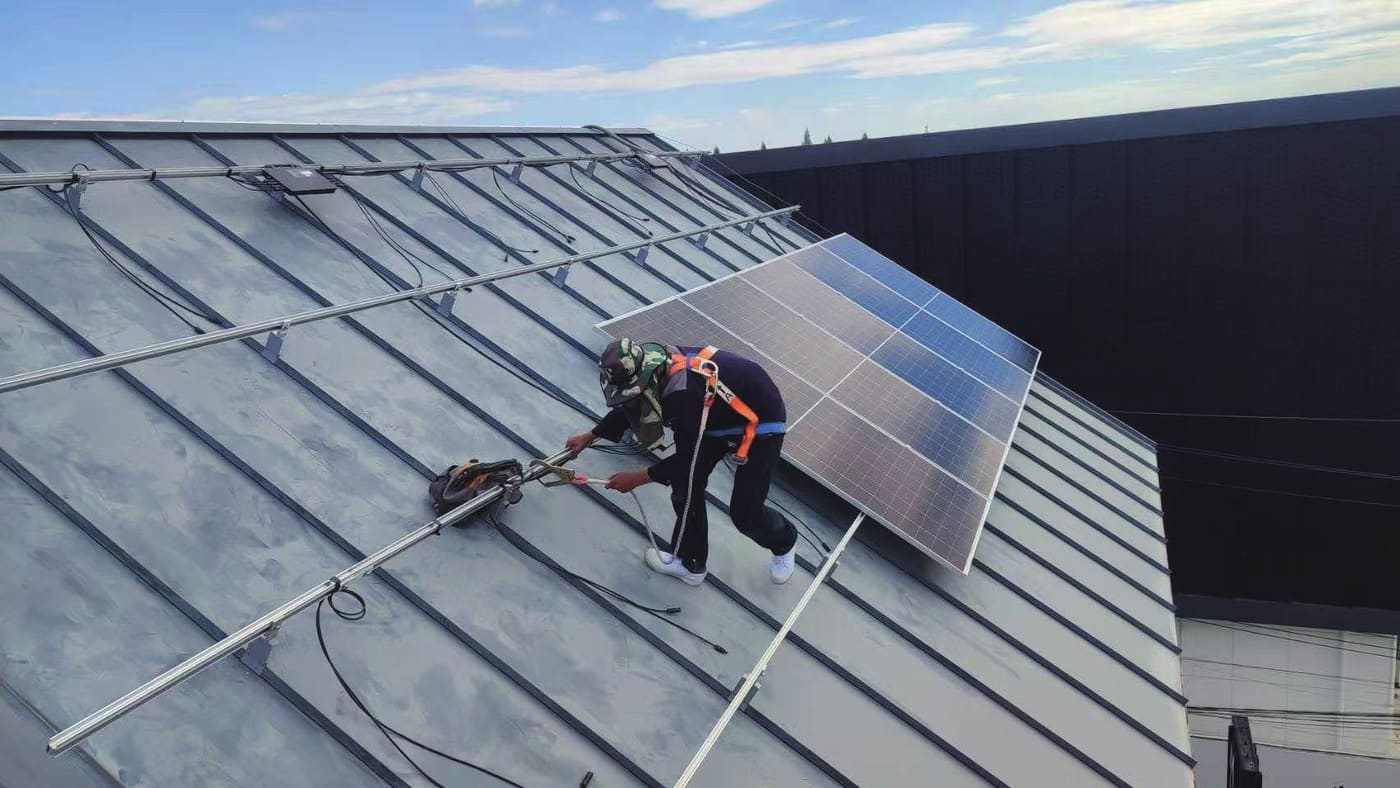
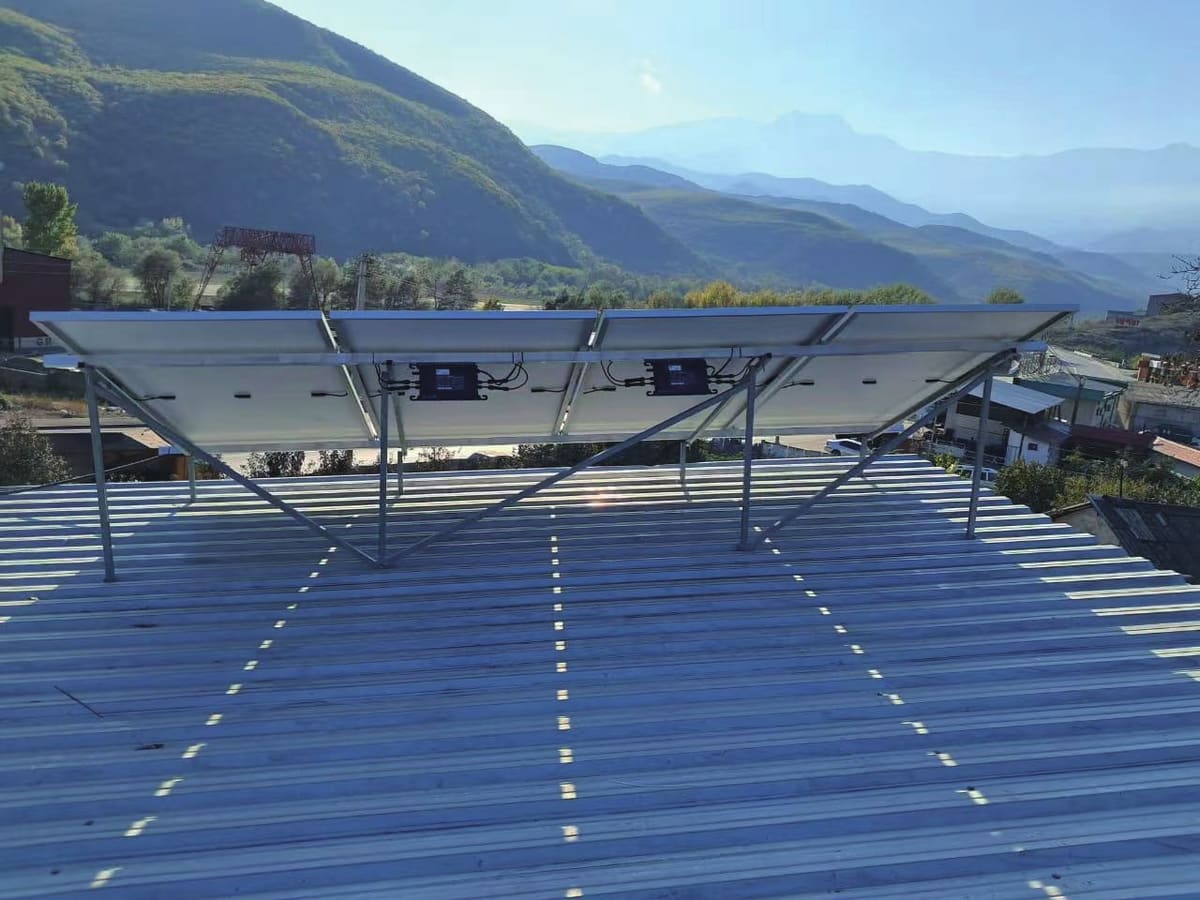
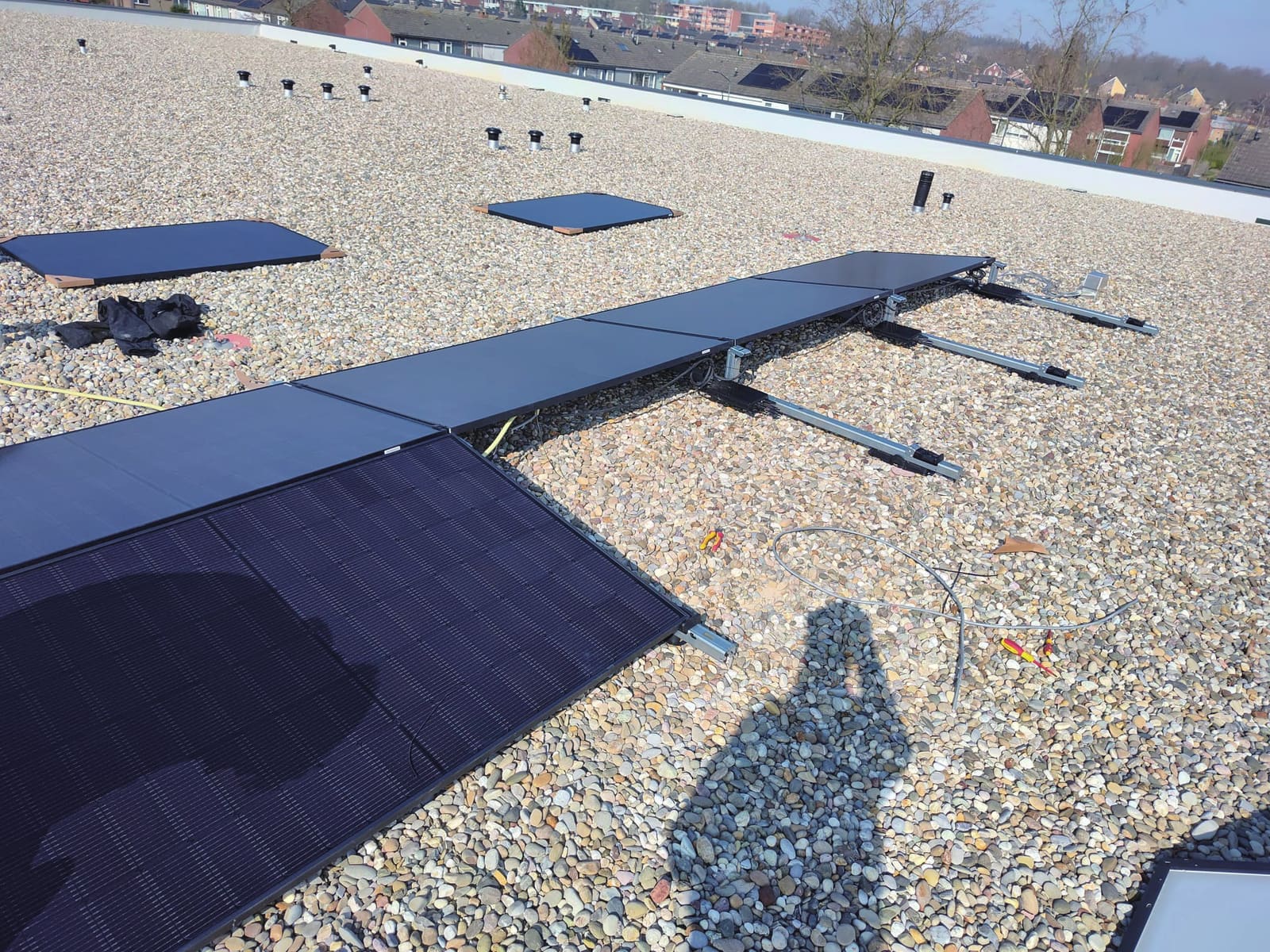
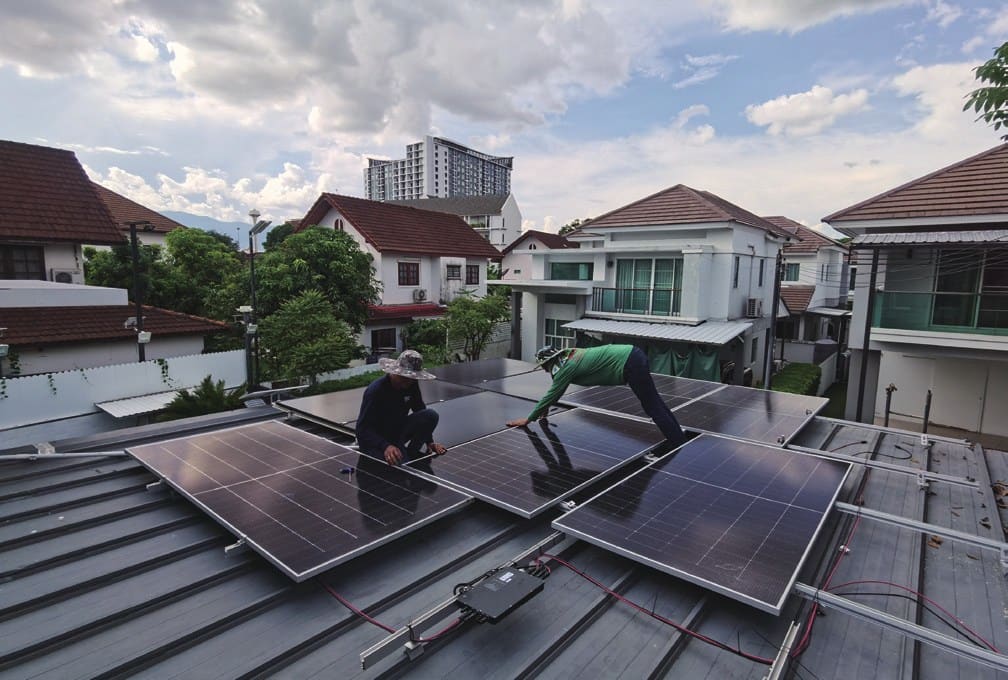
Installations by our partners.
Find the right set-up in three steps.
Tell us what you want to achieve and what kind of home you have. We suggest a starting configuration, explain how it works and what it solves — then our team checks it for your site.
Select at least one goal and your type of home to see a suggestion.
Plan an ecosystem project.
Tell us about the site, the household and the market. Our team will come back with a configuration and datasheets.
- Sales
- sales@vaysunic.com
- General
- info@vaysunic.com
- Service & warranty
- service@vaysunic.com
- Europe · WhatsApp
- +49 1516 8440711
- Globalcharlie.xu@vaysunic.com
- Europeseine.tang@vaysunic.com
- Europexuzheng.song@vaysunic.com
- Chinasirius.xia@vaysunic.com
- Asia-Pacifictimi.tao@vaysunic.com
- Asia-Pacificthanyarat.c@vaysunic.com
- Latin Americarafael.xavier@vaysunic.com